If you notice an issue with an ad on Brainly while using the web version, please let us know by clicking on the “Report Ad” link that you can find under any ads.
You will see a pop-up open where you can choose one of the following reasons:
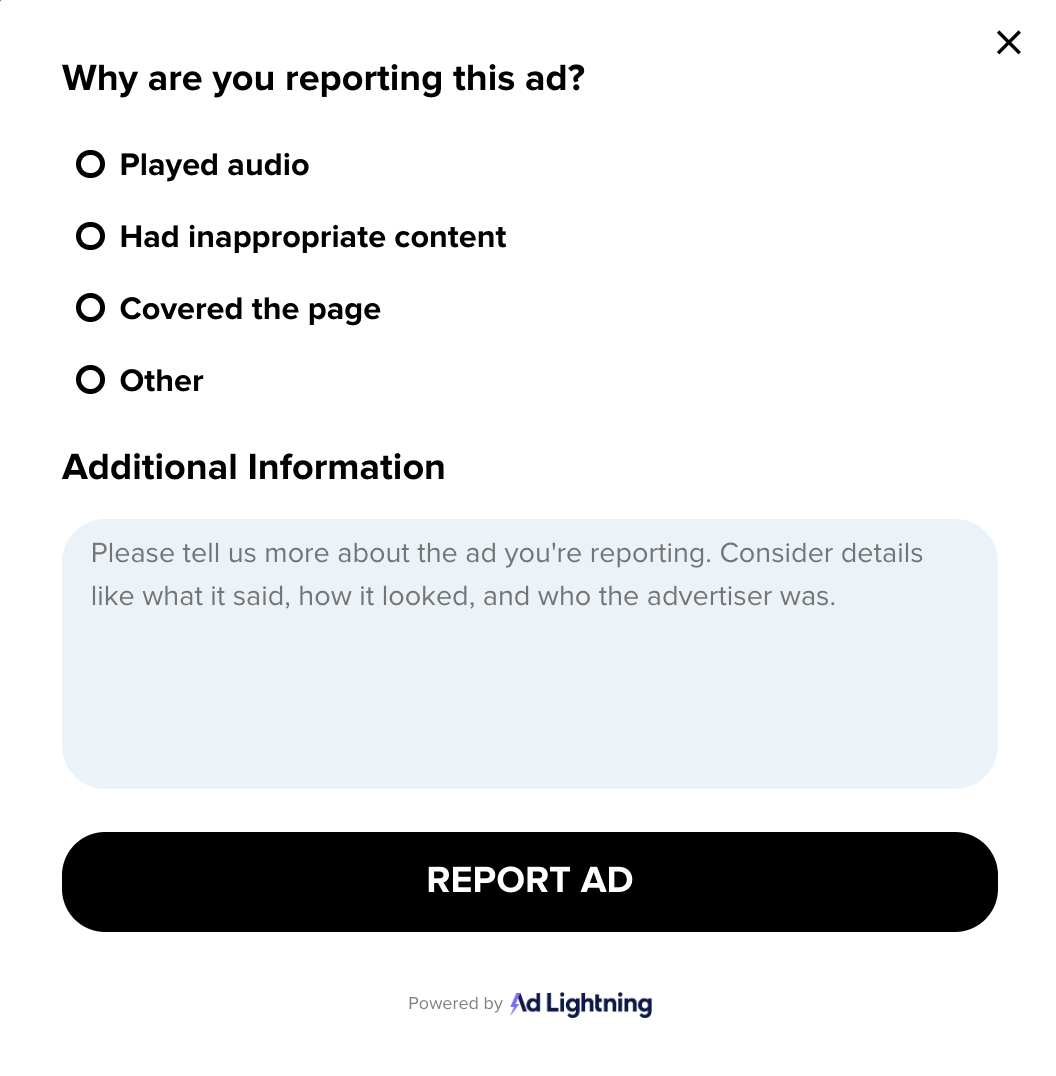
If the reason you want to report an ad is not listed, please select “Other” and use the text box to tell us more about the issue you are trying to report.
Once you have successfully reported an ad, our team will review it, and the ad on your screen will reload.
While this feature is currently only available on the web, you can contact the Trust & Safety team if you come across any issues with an ad while using our app.
Brainly is committed to improving the safety of our users and will implement more reporting features soon.
Was this article helpful?
That’s Great!
Thank you for your feedback
Sorry! We couldn't be helpful
Thank you for your feedback
Feedback sent
We appreciate your effort and will try to fix the article