You can customize your Brainly web feed with your favorite subjects after answering your first question.
Once you submit your first answer on Brainly, simply click on the gear icon from the home page.
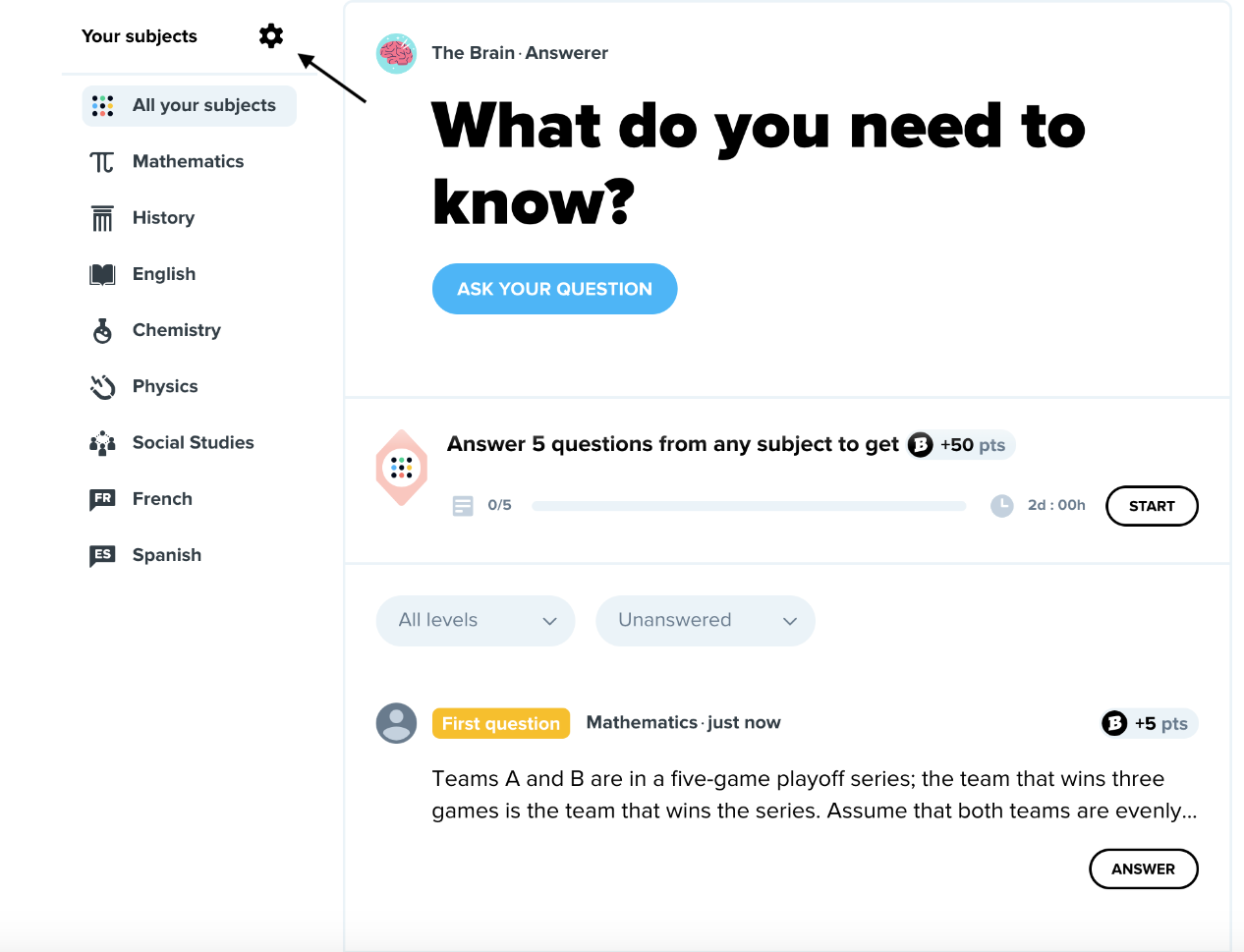
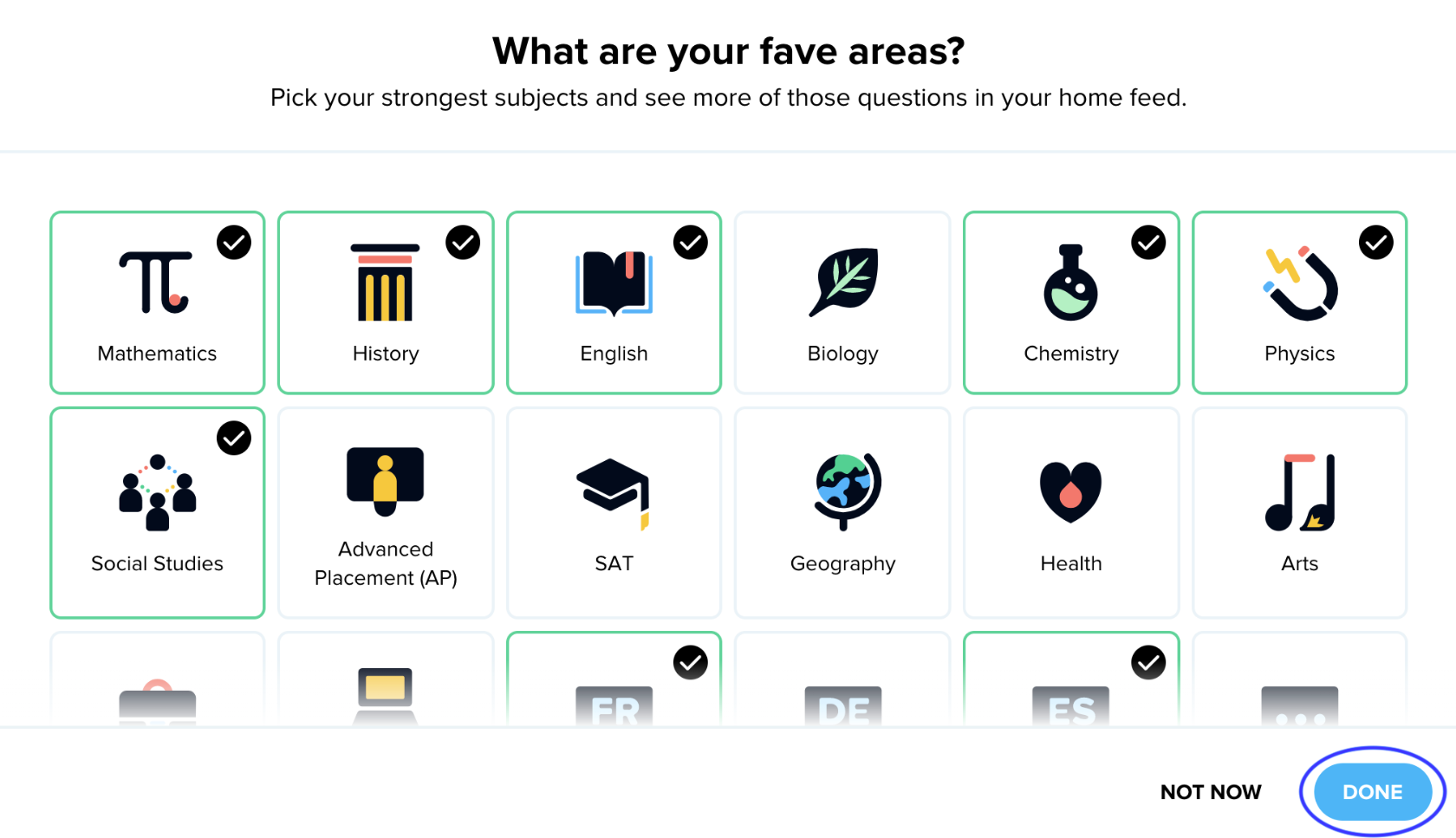
After you click on the gear icon, you will be able to select which subjects you want on your feed!
Be sure to save your selection by selecting the DONE at the bottom of the page.
Was this article helpful?
That’s Great!
Thank you for your feedback
Sorry! We couldn't be helpful
Thank you for your feedback
Feedback sent
We appreciate your effort and will try to fix the article