If you're using Brainly Web, please follow the steps below:
- Log in to your account
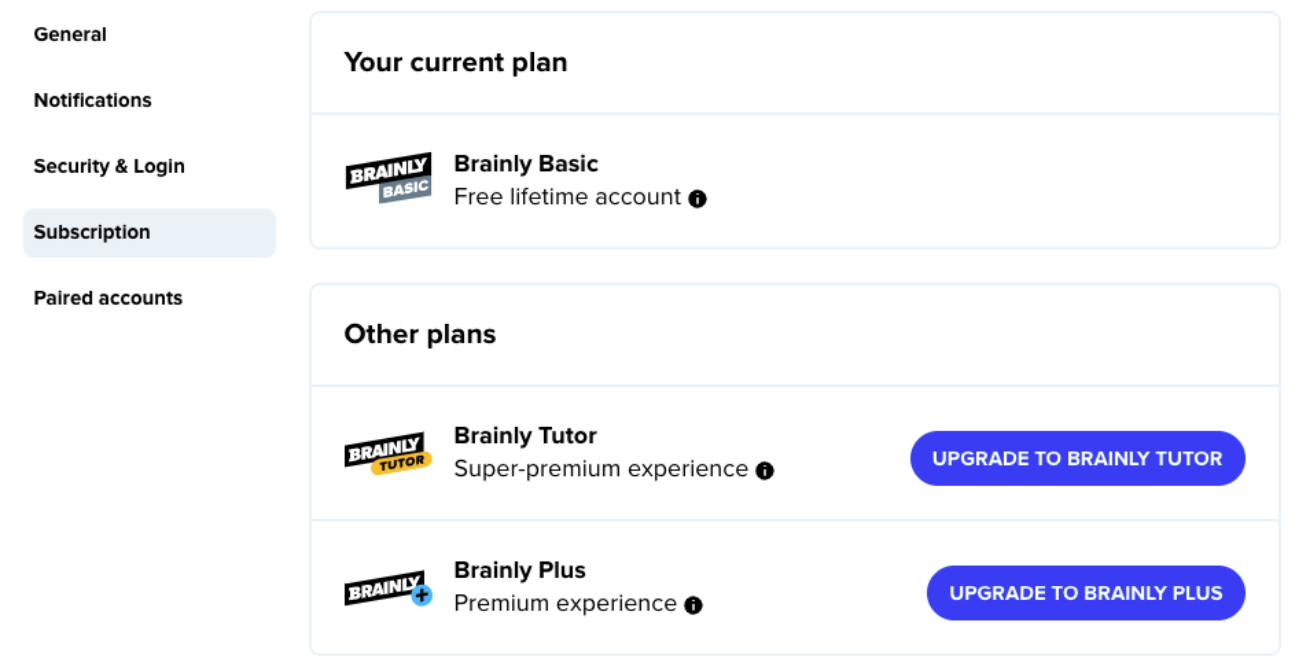
- Go to your Account Settings and select Subscription
- Click on UPGRADE TO BRAINLY PLUS or UPGRADE TO BRAINLY TUTOR
If you're using the Brainly app, tap on your profile icon and then click on LEARN MORE banner at the top of your screen.
Once you complete the process, your Brainly Plus or Brainly Tutor subscription will be activated immediately.
*If you're a first-time user of Brainly, you may be eligible for the 7-day free trial or other special promotions running at the time.
Was this article helpful?
That’s Great!
Thank you for your feedback
Sorry! We couldn't be helpful
Thank you for your feedback
Feedback sent
We appreciate your effort and will try to fix the article