Answering questions using the Brainly Android app is quick and easy. Simply:
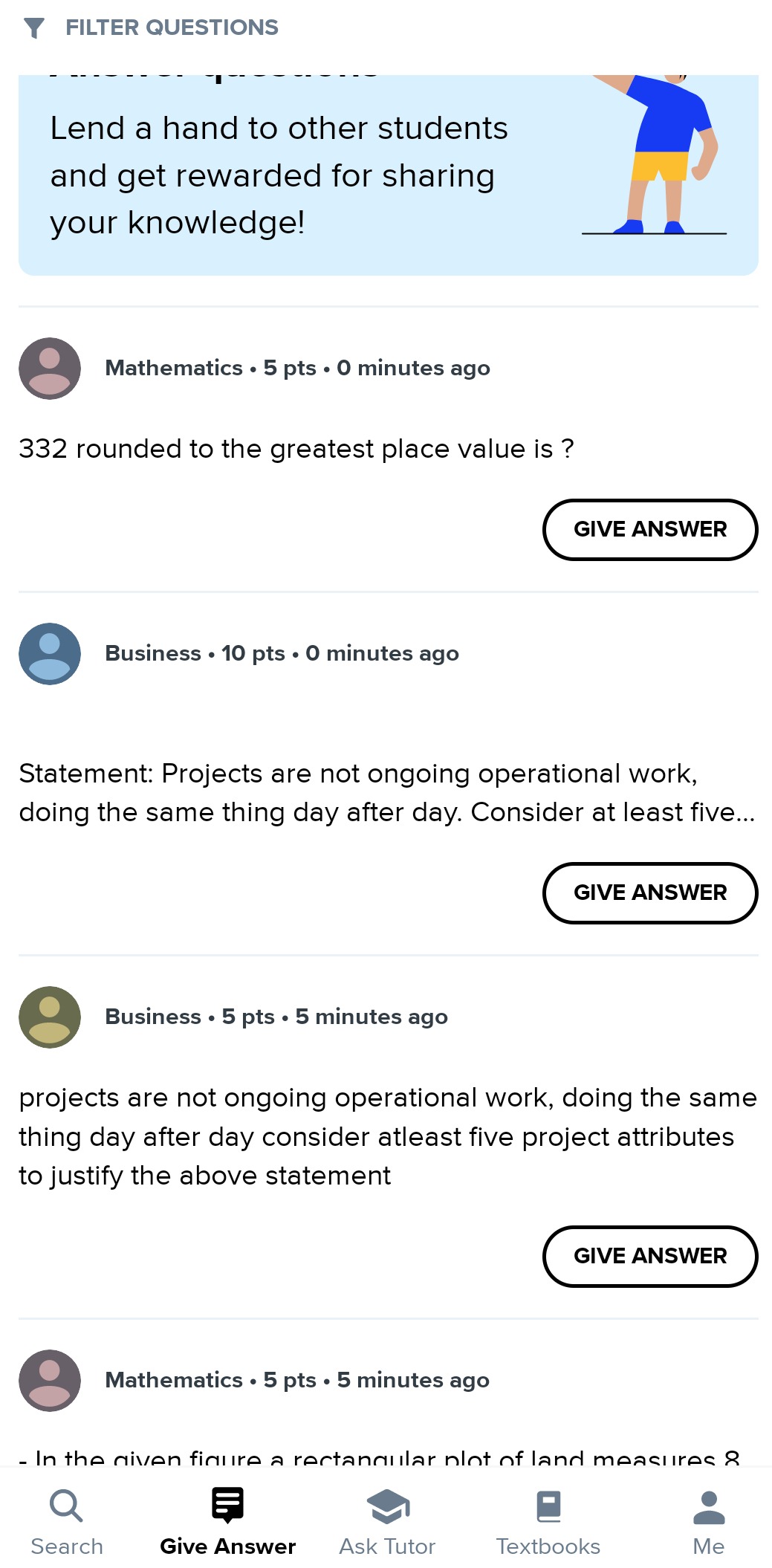
- Click on the Give Answer icon at the bottom of the screen.
- If you want to, click the FILTER QUESTIONS at the top of the screen to filter questions by school level and subject. Once you make your choice, click on CONFIRM.
- Scroll down the list of questions, select the one you like, and then click the GIVE ANSWER to see the question in full. Once it's displayed, click on another GIVE ANSWER button to provide your answer.
Was this article helpful?
That’s Great!
Thank you for your feedback
Sorry! We couldn't be helpful
Thank you for your feedback
Feedback sent
We appreciate your effort and will try to fix the article